← Game versions
Unreal Engine 5 · Windows x64
OpenSCCT Unreal 5.8.4
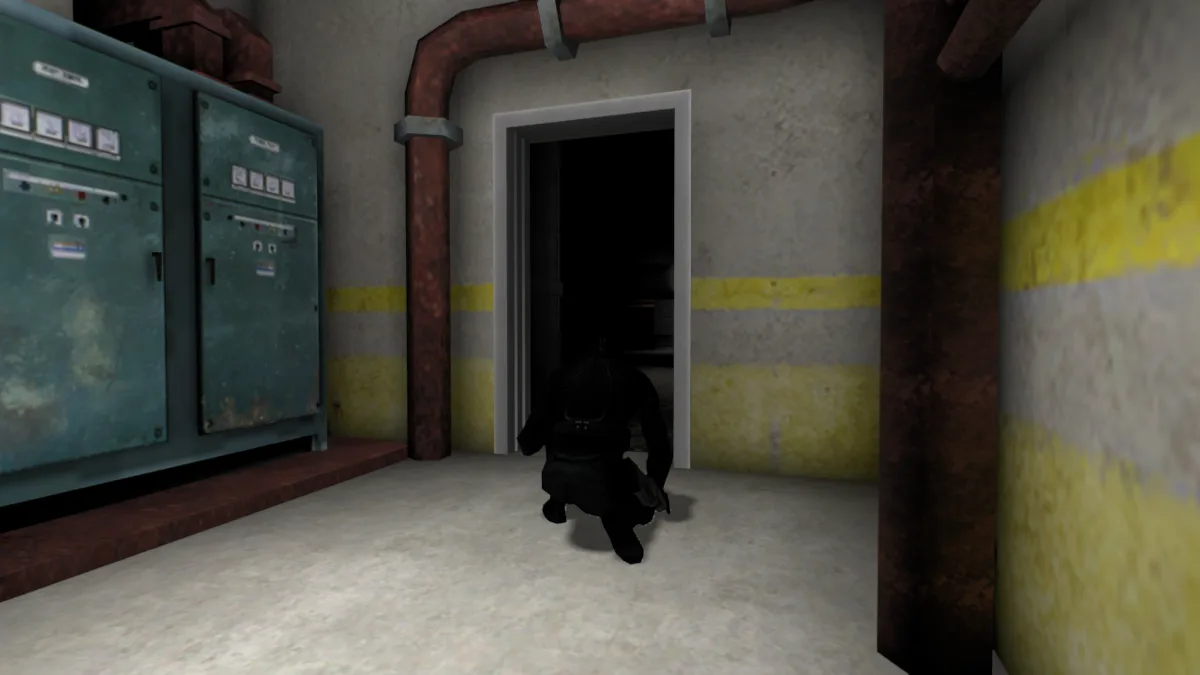
Play Spies vs. Mercenaries with Unreal lighting, materials and effects, using OpenSCCT’s shared simulation.
Your Steam installation
Getting started
Install Chaos Theory
Install the Steam version with Versus on your Windows PC.
Set up Unreal
In Game versions, choose OpenSCCT Unreal 5.8.4 to install the client. Open its setup window, select your Steam game folder and run the Unreal content converter.
Start a match
Launch the Unreal client with the locally built stock maps. Community map downloads and maps you compile with OpenSCCT Editor are optional.
Project scope
OpenSCCT’s shared simulation drives Spies vs. Mercenaries. Unreal Engine 5 handles lighting, materials, effects and the presentation of your locally converted maps and characters.